 Asciitect
Draw with characters. Then redraw the characters.
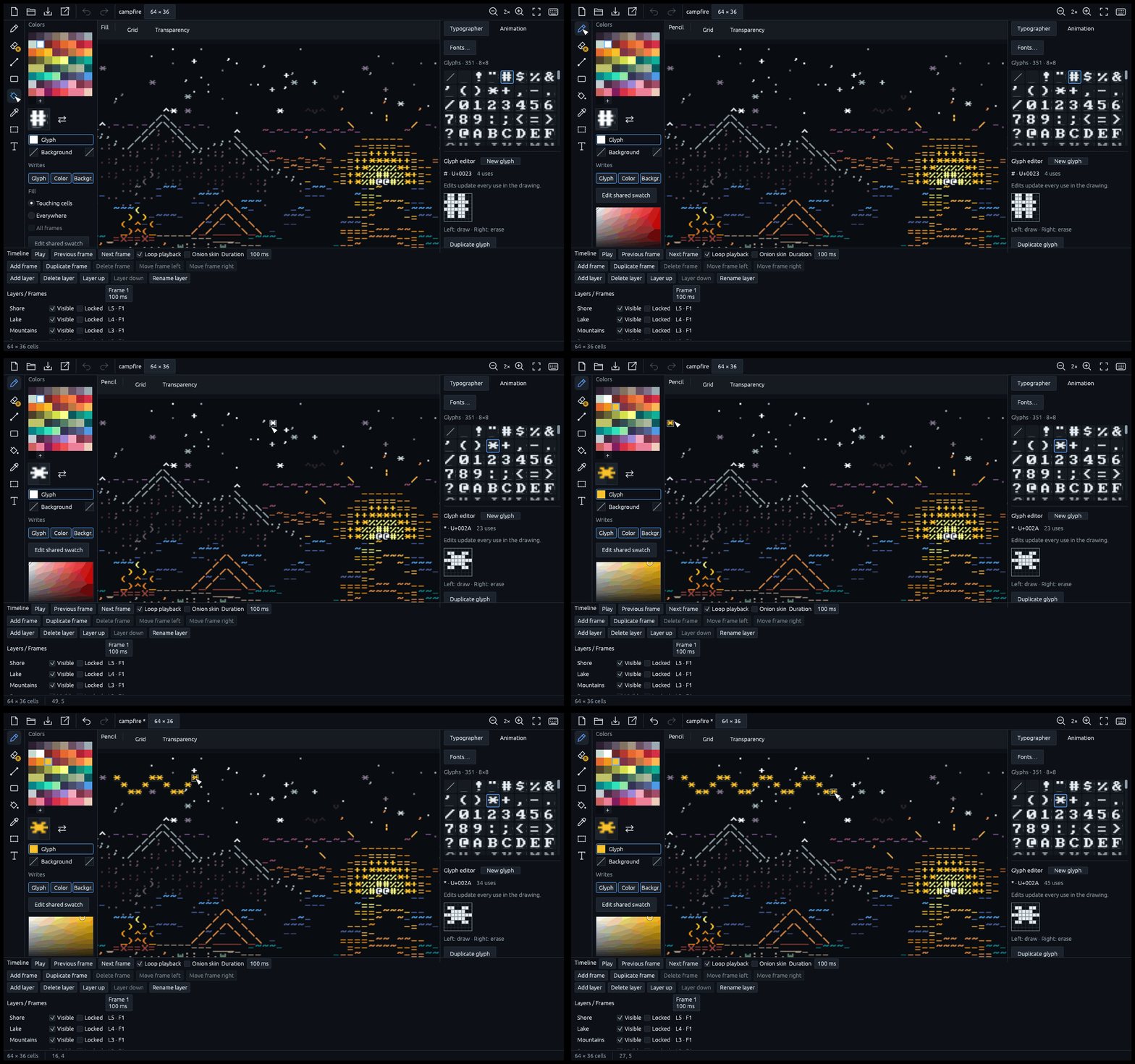
A free ASCII art and animation editor: layers, frames, a timeline, any color you want, and a font you can edit while you draw.
- Windows today, Linux soon
- Runs in your browser too
- Projects are plain text
- Free, no account
01 — LIVE GLYPHS
Change one glyph.
Every cell follows.
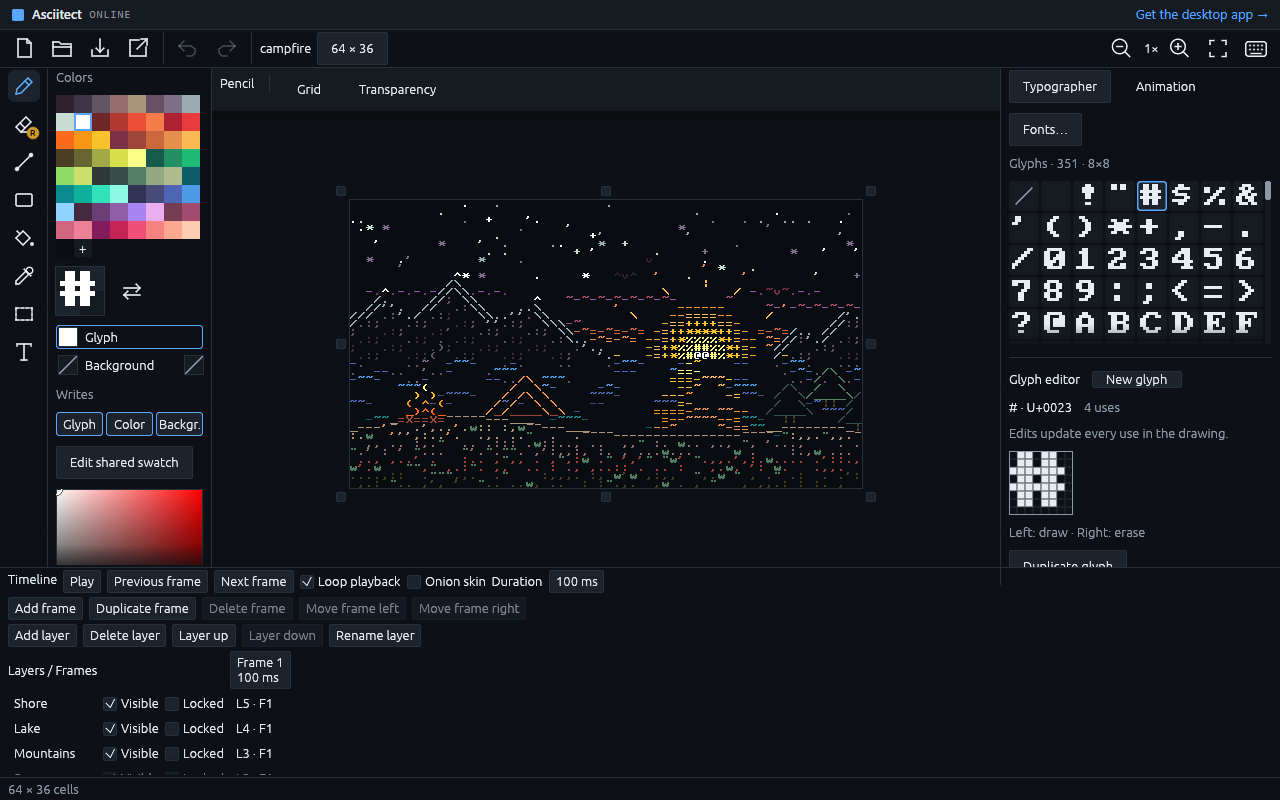
In most ASCII editors the font is a given. Here it is part of the drawing: open a character, flip a few pixels, and every cell that uses it changes as you click.
02 — TIMELAPSE
Watch a drawing come to life.
From an empty canvas.
A koi pond, from the first drop of water to the last petal. Every glyph is picked from the sheet, every color from the palette, every cell painted with the pointer.

03 — GALLERY
Made in Asciitect.
Frame by frame.
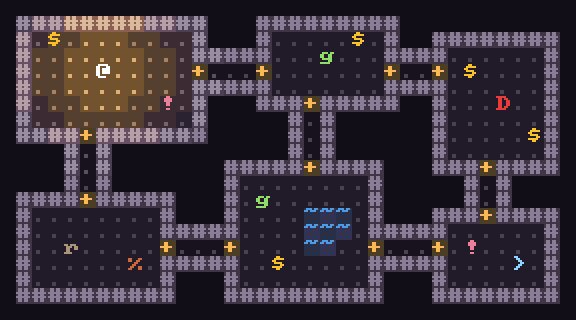
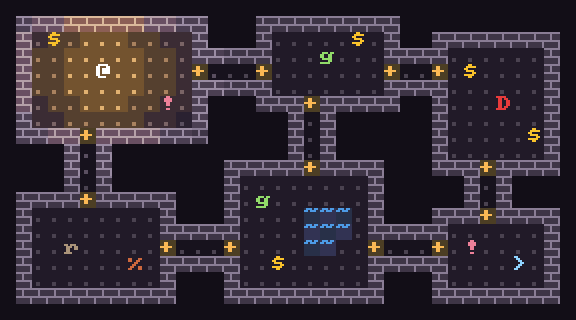
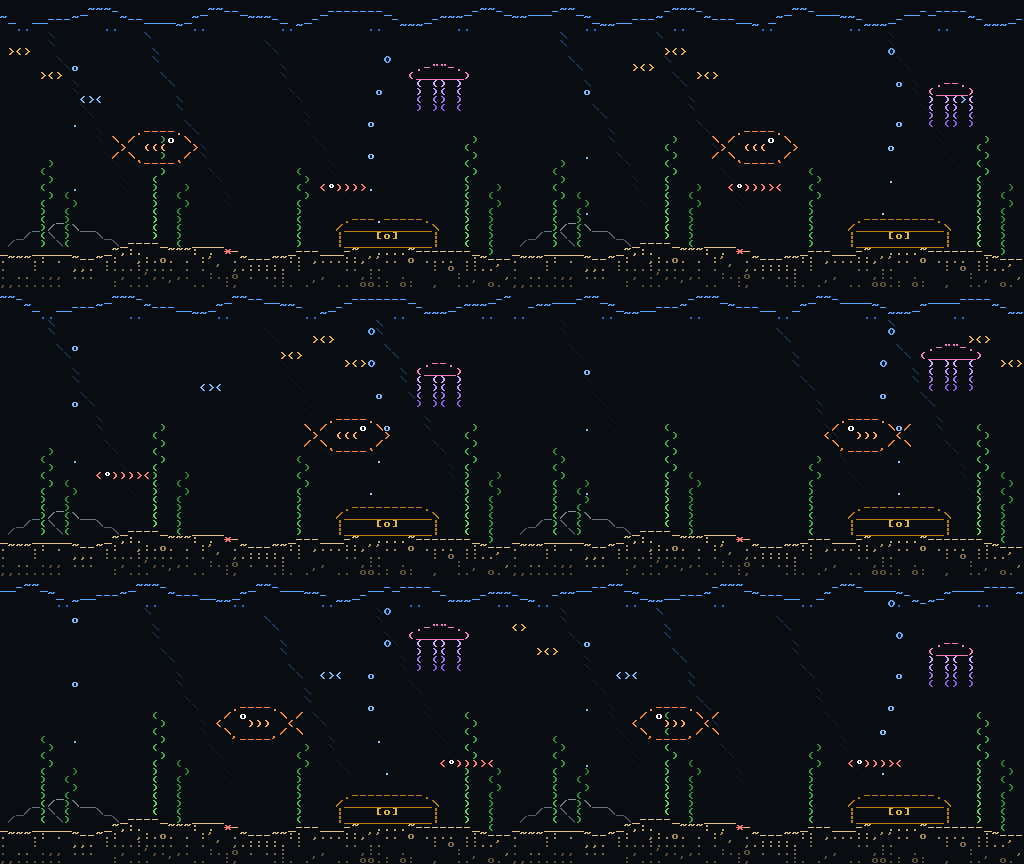
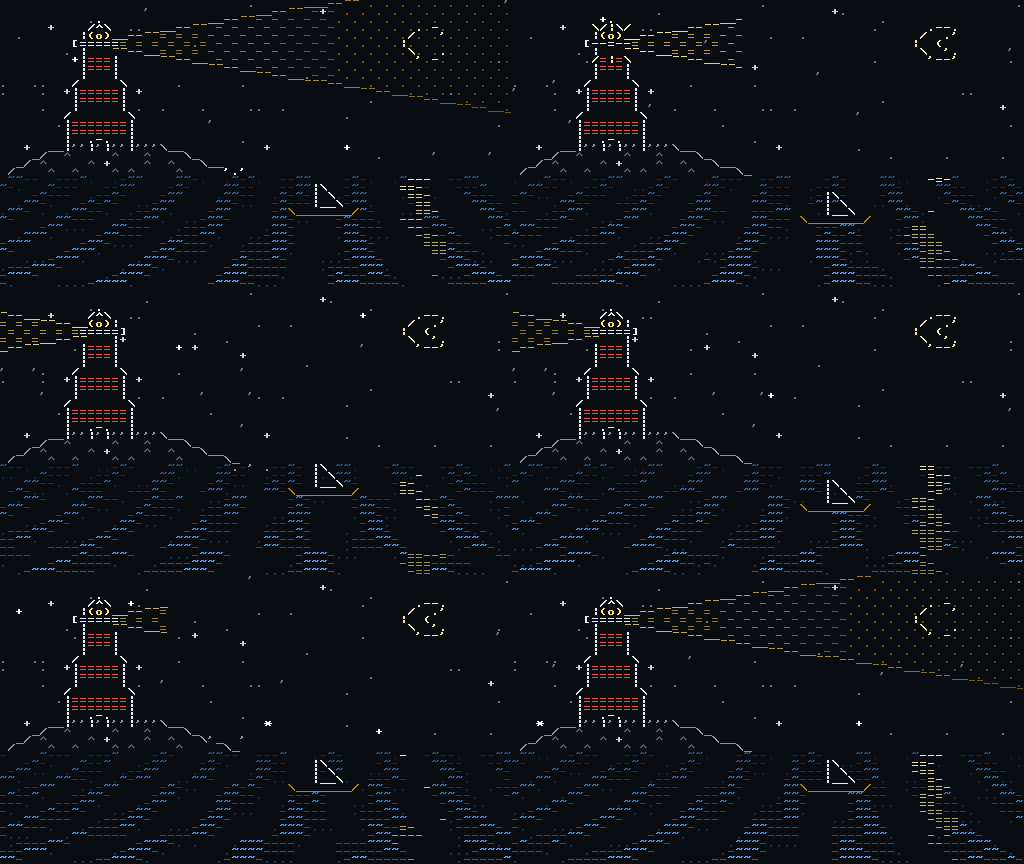
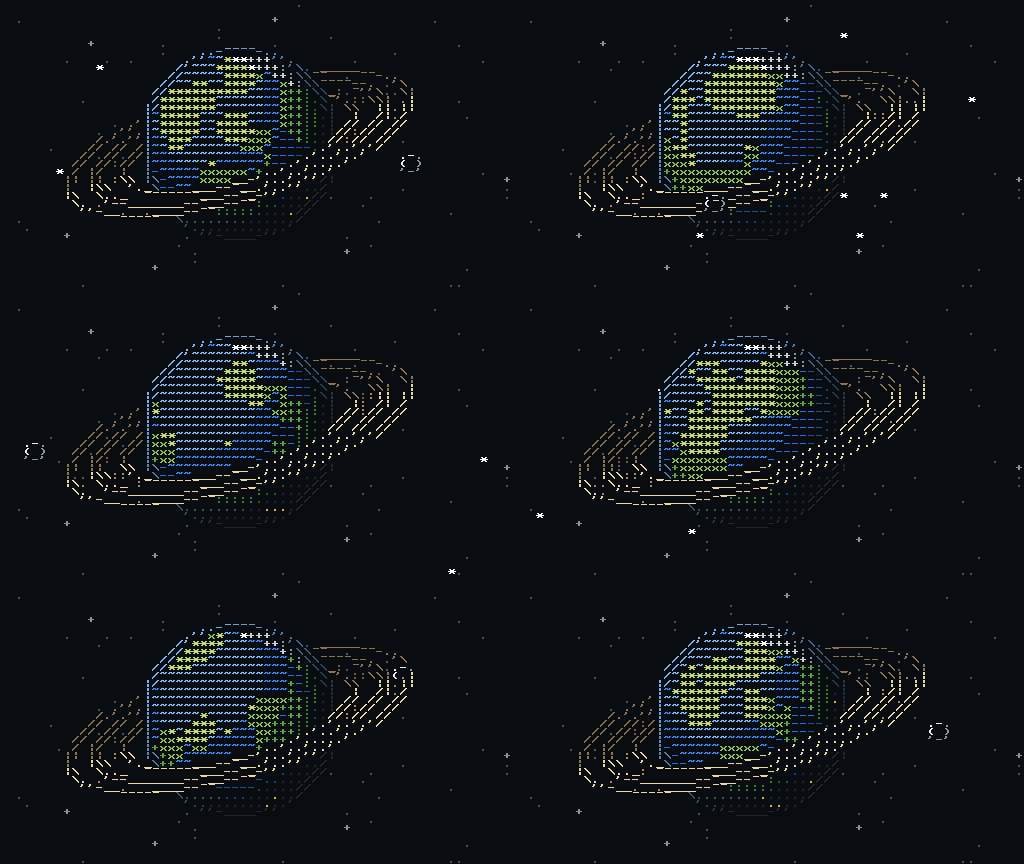
Each piece is an Asciitect project, turned into a GIF by the program’s own export. Shown here pixel for pixel.
04 — ANIMATION
Layers and frames.
Like a sprite editor.
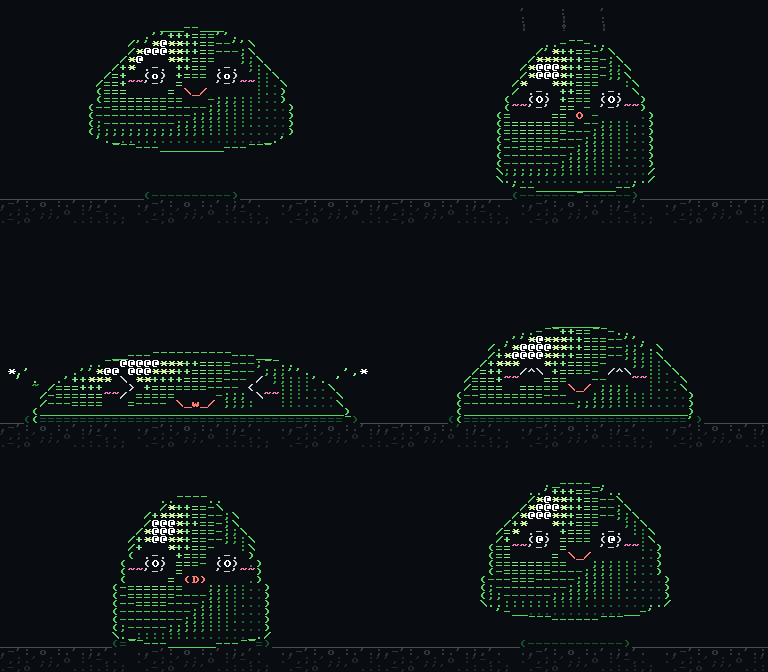
Build a pose, duplicate it, nudge it. The preview plays the real pixels while you work.
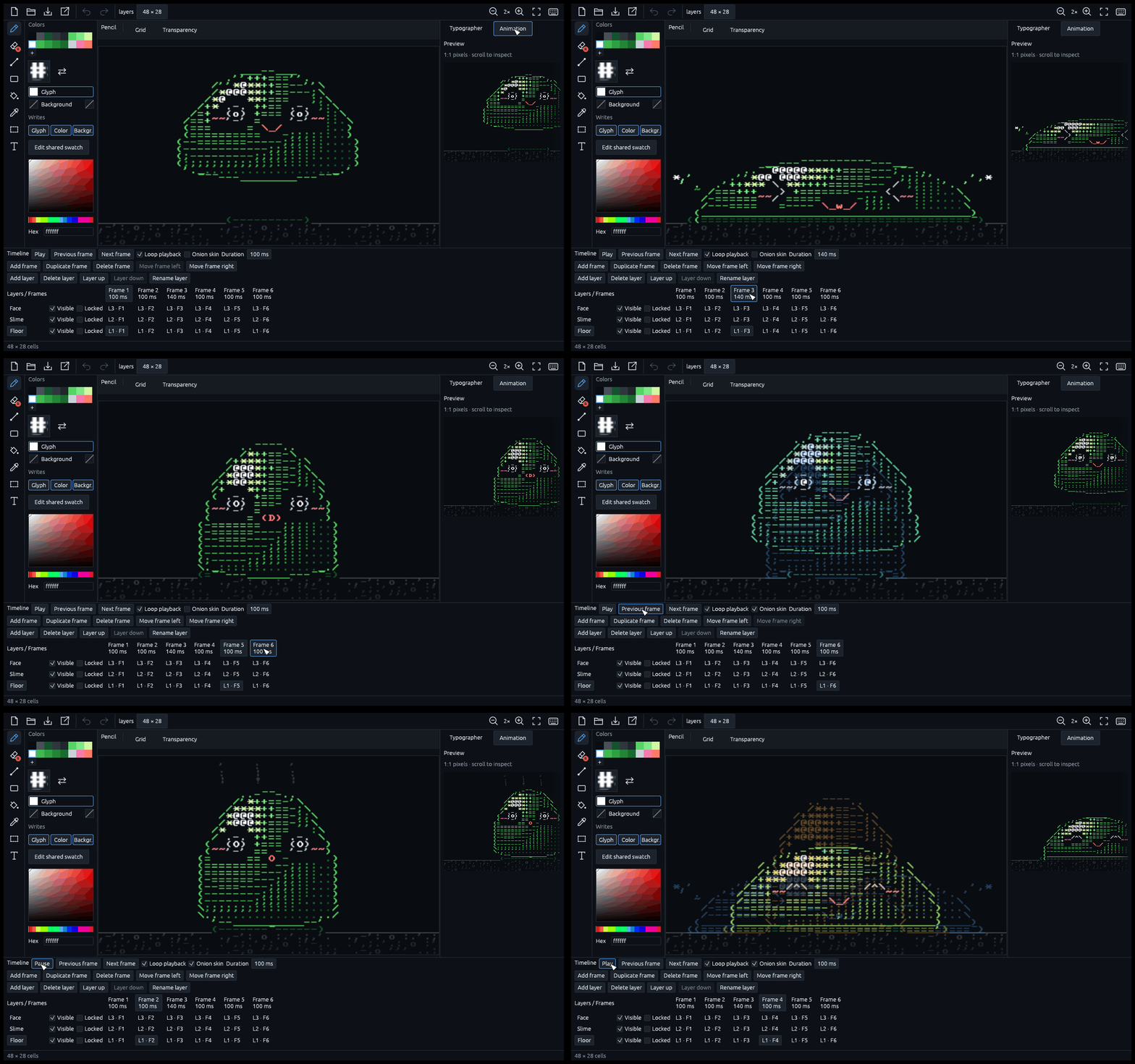
- Layers that stack by cellThe glyph on top replaces the one below. Hide, lock, rename and reorder them.
- A duration per frameHold a pose longer without duplicating it.
- Onion skinSee the neighboring frames while you draw, and what changed between them.
05 — GLYPH SHEET
Eight characters.
That is the feature list.
Draw
Pencil, eraser, line, rectangle, fill, eyedropper, selection and text. Undo, redo, zoom.
Live glyphs
Edit a character and every cell that uses it updates as you click.
Frames
A timeline with a duration per frame, loop playback and onion skin.
Layers
Stacked by cell. Hide, lock, rename and reorder them.
Free color
Any color, one palette per drawing. Edit an entry and the drawing recolors.
Your own fonts
Start from the built-in library, or import a TrueType font turned into pixels.
Lossless GIF
An animated preview and the final file size before you save. PNG and plain text too.
Readable files
A project is one plain-text file, its palette and its font included.
06 — ONLINE
No install.
Open it in your browser.
- ALL OF ITThe whole editor, not a demo.
- PRIVATEYour drawing never leaves the tab.
- YOUR FILESOpen and download real .asciitect files.
Free. No account.
Start drawing.
Windows
Windows 10 and 11, 64-bit
Download installerVersion 0.1.0 · 4.8 MB
SHA-256 55919357e29fae348a4bd603641d1c4b408443ba80b96c3d6de7686942e76d0a
Linux — coming soon
Until then, the online version runs in your browser.
SHA256.txtRather not install anything? Try it in your browser →
QUESTIONS
Before you
start drawing.
Windows says it protected my PC
The installer isn’t digitally signed yet, so Windows SmartScreen doesn’t know it and shows “Windows protected your PC”. Click More info, then Run anyway. To be sure the file is the one published here, compare its SHA-256 with the one above and in SHA256.txt: in PowerShell, Get-FileHash .\Asciitect-Setup-*.exe prints it.
Is it really free?
Yes. Asciitect is free, with no account and no ads, under the MIT licence.
What does the online version not have?
It is the same editor, minus what a browser tab cannot do: there is no recovery copy if the tab closes before you save, no list of the fonts installed on your computer, and no opening a drawing by double-clicking it. Ctrl+N and Ctrl+Shift+S belong to the browser: use the New button, and Save, which asks for a file name every time.
Which files can it read and write?
Projects are .asciitect files, plain text that holds the drawing, its palette and its font. Asciitect exports PNG, lossless GIF and plain text (the characters only), and imports TrueType (TTF) fonts.