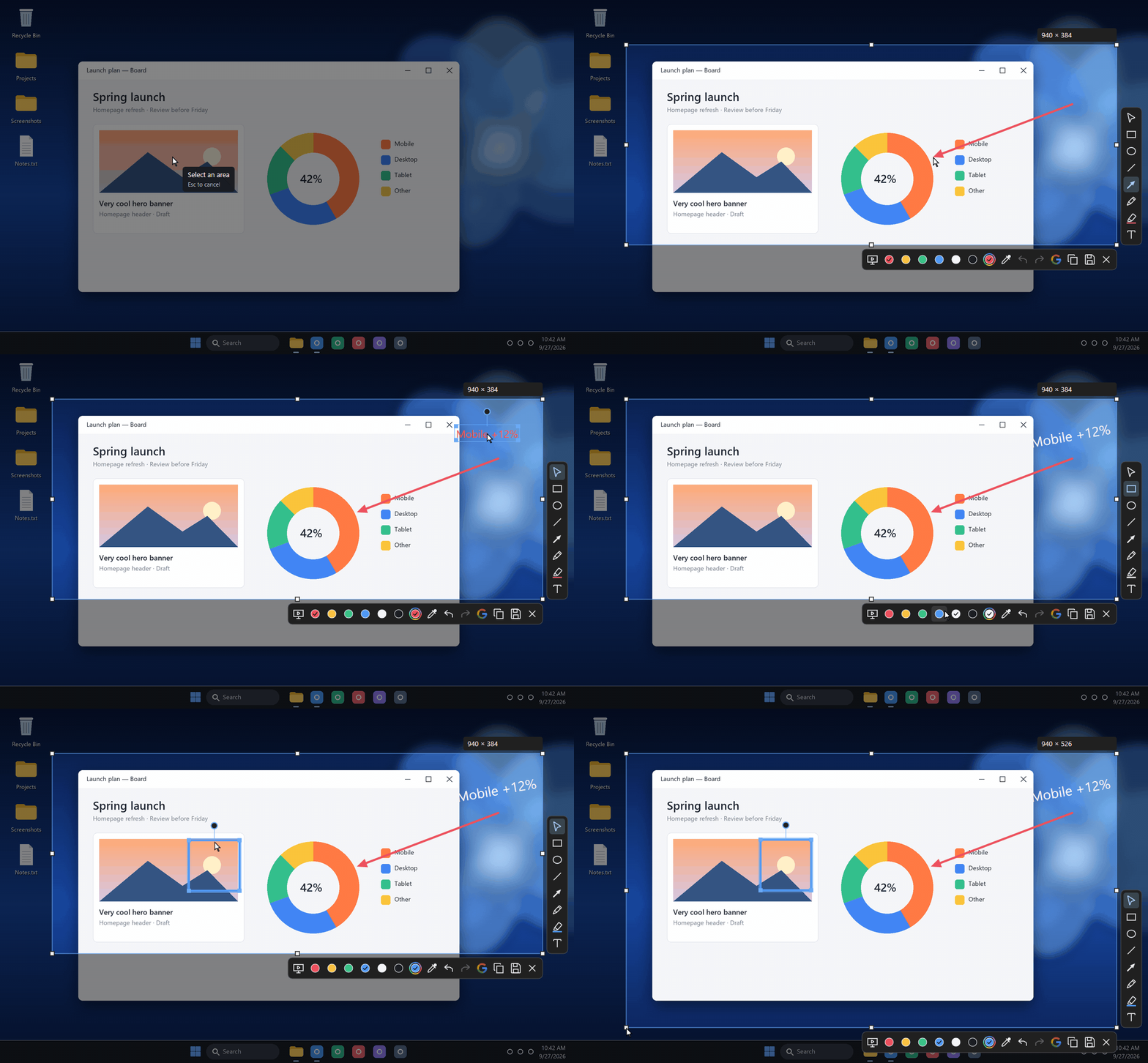
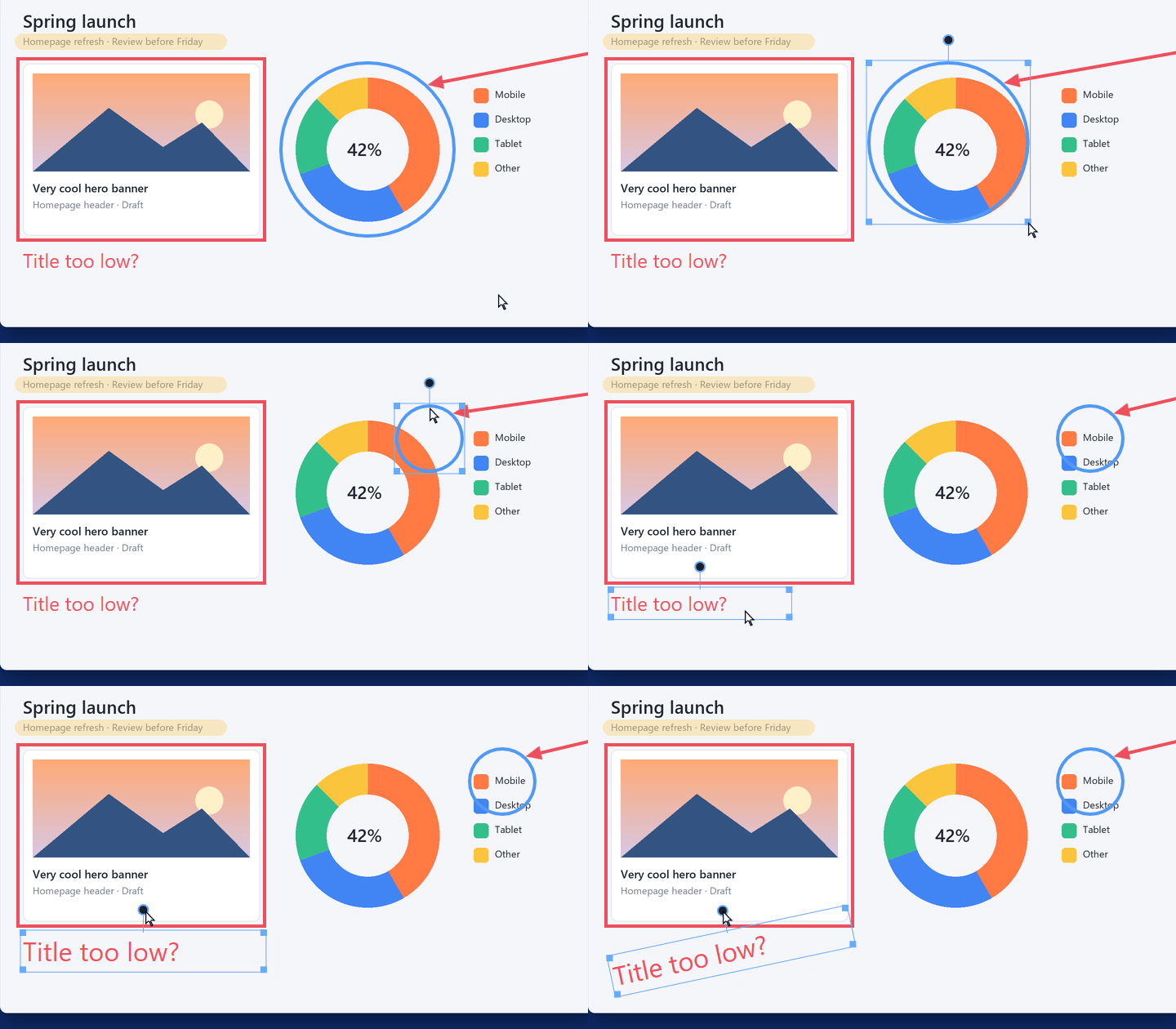
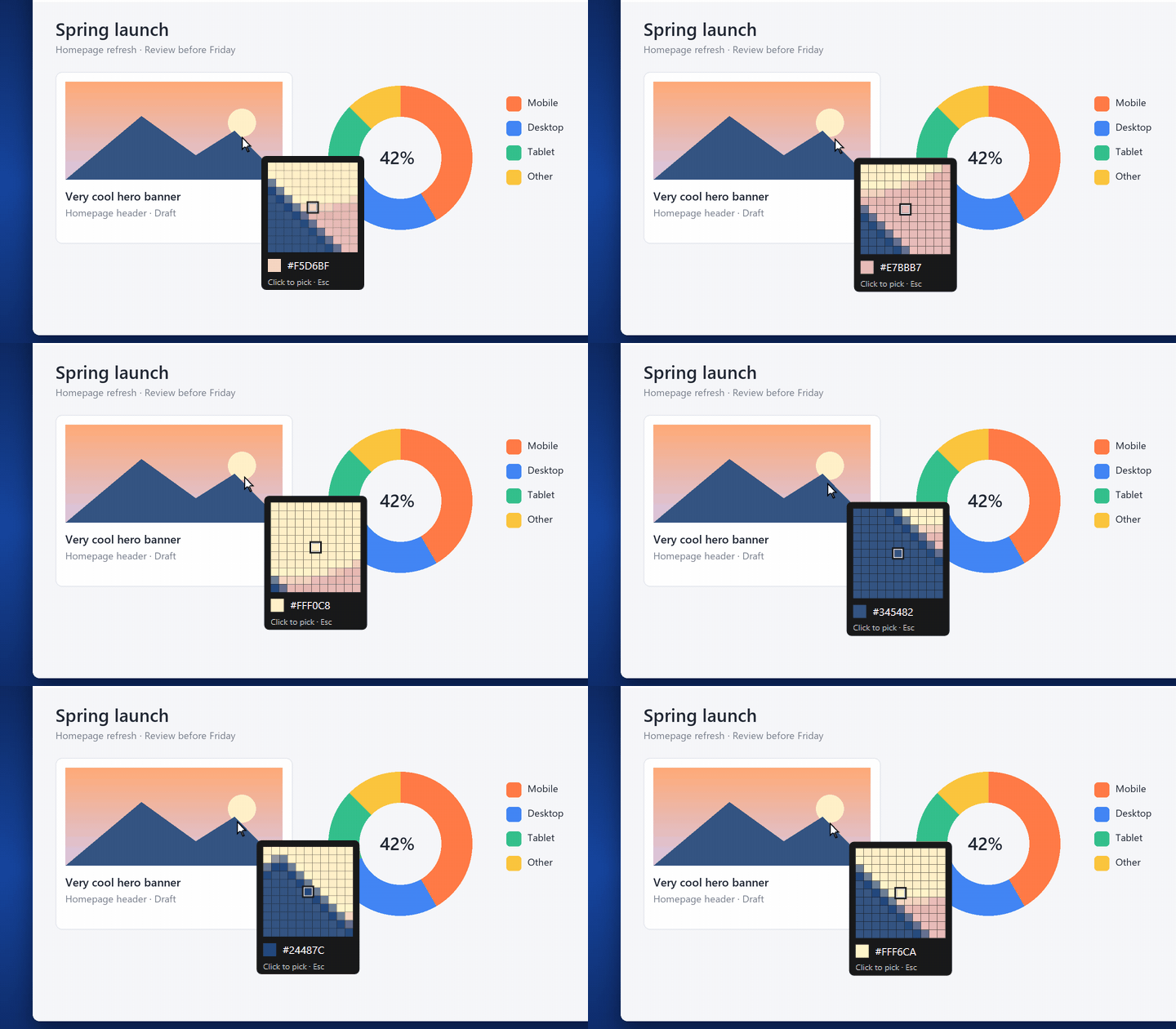
How do I take my first capture?
On first launch, pick your shortcut. Press it, drag over an area, then annotate. Ctrl+C copies the result; Ctrl+S saves it. The icon near the clock gives you access to the settings.
My antivirus blocks the installation. What should I do?
Shotoshot is not code-signed yet, and a new app that listens for a keyboard shortcut and captures the screen can look suspicious to some antivirus software. If setup stops with “Access denied” or says shotoshot.exe cannot be found, open your antivirus history, restore or allow shotoshot.exe, then run the installer again. You can check the installer against its published fingerprint first. Please let me know which antivirus it was, so I can report the false alarm.
I use Lightshot. Is switching easy?
Yes: the gesture is the same. Press your key, drag over an area, annotate, copy. Shotoshot never changes Lightshot’s settings, so both can stay installed with different keys. Switching from Lightshot covers the rest.
Do my captures leave my computer?
Copying and saving stay local. If you click the Google Lens search, the selected area and its annotations are sent to Google to find similar images. Nothing is ever sent automatically.
Is it a screen recorder?
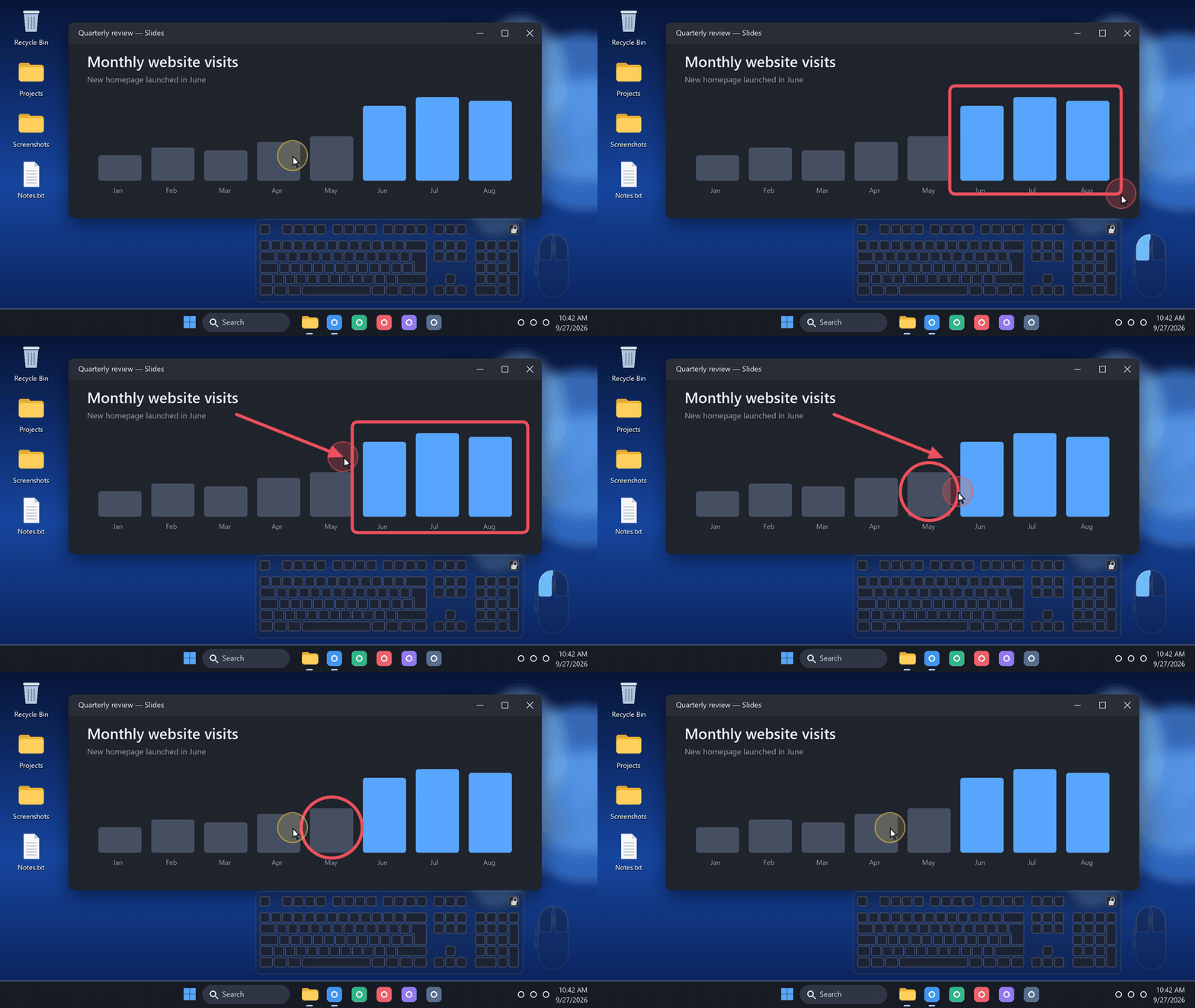
No. Shotoshot captures images and shows presentation aids on your screen. You can use those aids during a class, a call or a stream, with your usual software.
Does it handle AZERTY, QWERTY and other layouts?
The mini keyboard follows the active layout of the app you are using, with accents and AltGr. French, US, UK and German layouts have been checked. The shape shortcuts can be changed.
How do I report a problem or suggest an idea?
Fill in the two-minute feedback form, or write to contact@mickaelmancini.com. Say what you were doing and which version of Windows you use: it helps to understand what happened.
 Shotoshot