 Sortypix
Download
Sortypix
Download
AI IMAGE BATCHES
Sort thousands of
AI images, keep the best.
One prompt, a batch of forty, a few seeds more, and by morning the output folder holds two thousand images that all look alike. You want maybe ten of them. Sortypix turns that folder into a few minutes of scrolling and clicking.
Windows 10 or 11 · Linux preview · Open source · No account
Why AI batches are hard to sort
Photos from a phone at least differ from one another. A batch of generated images does not: the same subject, the same light, a hand or an eye slightly off. Telling them apart takes a close look, and in a file manager every close look is a double-click, a close, a select and a move. Multiply by two thousand.
The method
- Open the output folder. Right-click it in Explorer and choose “Open with Sortypix”, or drop it on the window. PNG, WebP and JPEG all open; animated GIFs play in the grid. If your tool files images into dated subfolders, open them one at a time.
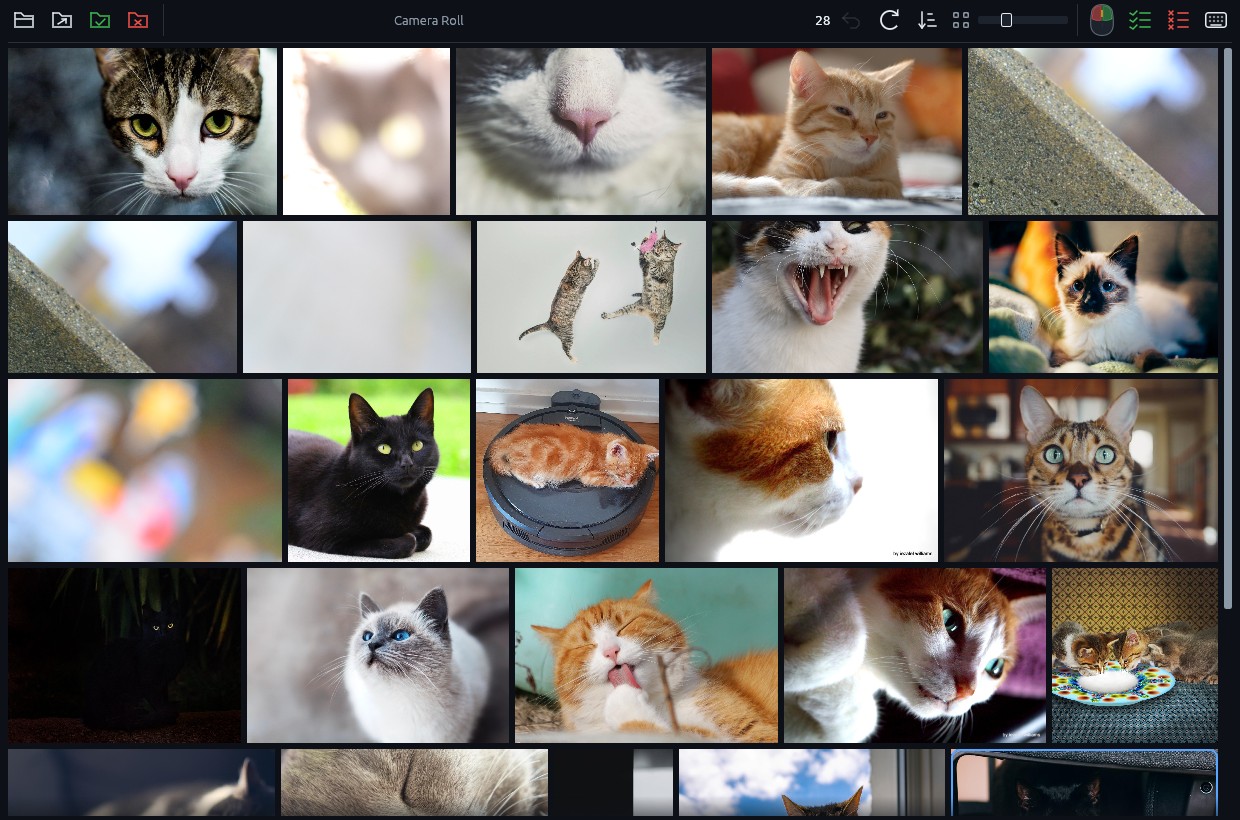
- Make the thumbnails large. Drag the size slider until the small differences show: three or four images per row is often right. Enter opens one full screen, Z shows it at 100% to check hands, eyes and text.
- Right-click the keepers. Each one moves to
keep/and leaves the grid. The rest of the series stays in front of you. - Ctrl+click the last image of the series. It moves to
rejected/with every image before it, all the ones you have already looked at. The next series slides up. Repeat. - Done early? The checklist icons in the toolbar keep or set aside everything still in the folder in one click. Ctrl+Z undoes any of these gestures as a whole.
Your prompts stay with your images
Many generators write the prompt and settings into the PNG file itself. Sortypix only moves files: it never re-encodes or rewrites them, so each image keeps its embedded prompt. Byte-for-byte copies, the same image saved twice, are set aside automatically when the folder opens.
What Sortypix will not do
It does not score images, guess the best one or hide look-alikes: that choice is yours, and it stays fast because nothing stands between you and the grid. It never deletes a file, never sends one to the Recycle Bin and never connects to the network. Your images stay on your computer.
Good to know
Does it work with images from any generator?
Yes, as long as they are image files in a folder: PNG, WebP, JPEG, GIF, BMP or TIFF. Sortypix does not connect to any service; it sorts what is on your disk.
How many images can a folder hold?
Thousands. Sortypix is written in Rust, keeps a local preview cache and loads the next rows ahead of your scrolling, so a large folder opens and scrolls without waiting.
Is it free?
Yes, and open source under the MIT license. The code is on GitHub.