 Sortypix
Download
Sortypix
Download
BEYOND THE WINDOWS PHOTOS APP
A Windows Photos alternative
built for sorting.
The Photos app that comes with Windows is a fine viewer. Sorting a folder of thousands with it is another story: one picture at a time, and every picture you set aside is a trip to File Explorer. Sortypix keeps the speed of a viewer and adds what sorting needs: a place for every decision.
Windows 10 or 11 · 5 MB · Open source · No account
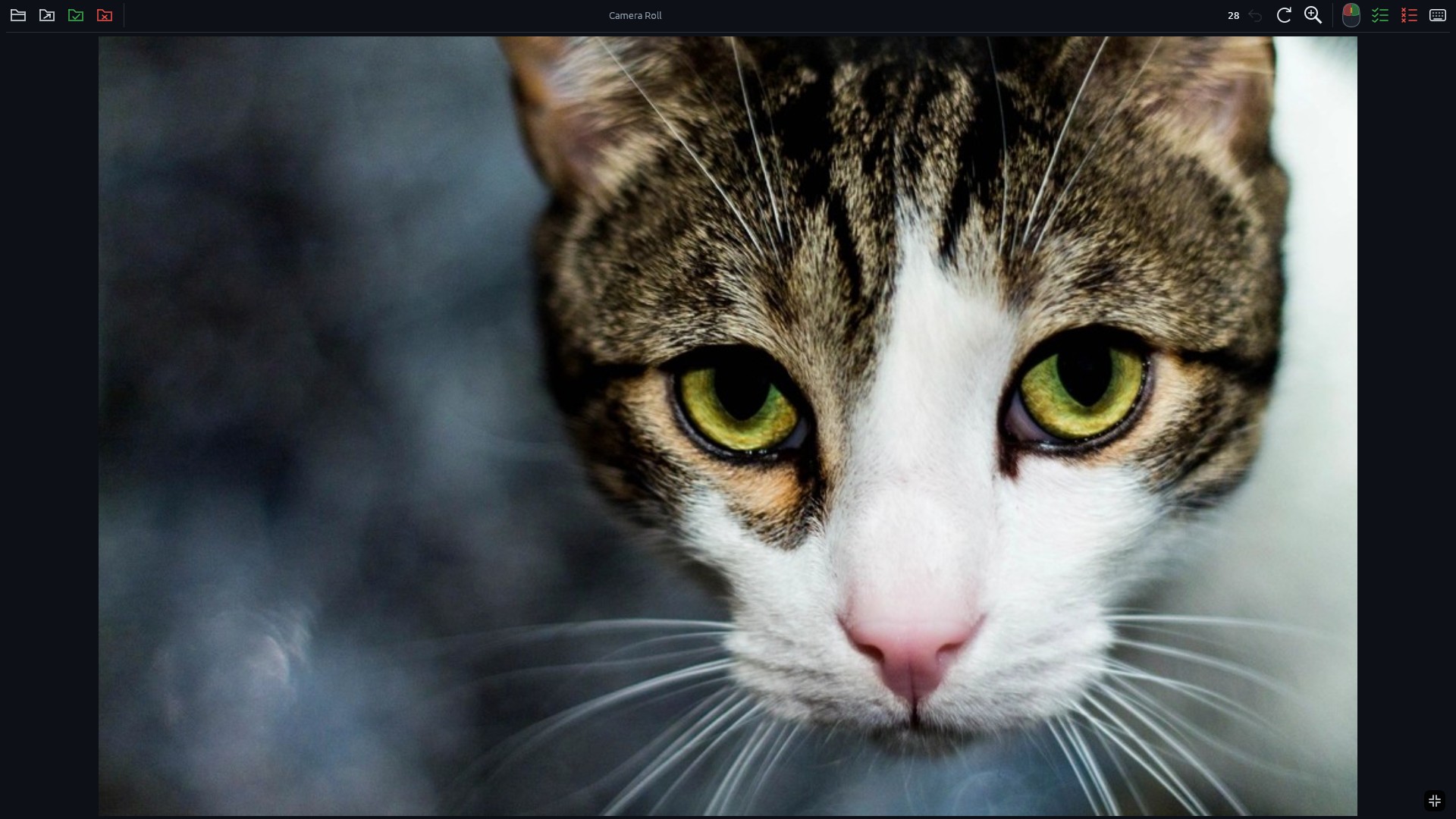
When Photos is enough
Keep using Photos to look at pictures, make a quick edit or show a slideshow. It is built into Windows and does those jobs well. Sortypix is for the moment the folder is too big to go through one picture at a time.
What Sortypix adds
- A grid where every click decidesRight click keeps, left click sets aside, and the photo leaves the grid. No select, no drag, no confirmation.
- A place for every decisionPhotos move into
keep/andrejected/next to the originals, visible in File Explorer. Nothing is deleted. - Whole series at onceCtrl+click sets aside every photo up to this one. Two toolbar icons keep or set aside everything left.
- Undo the whole gestureCtrl+Z brings back a single photo or a whole batch, even after you switch folders.
- RAW and JPEG togetherA camera’s two files for one shot move as one, so they never get separated.
- Exact copies set asideThe same photo saved twice goes to
rejected/as soon as the folder opens, and the move can be undone.
Use both
Sortypix does not take over your photos: it never becomes your default viewer. The installer adds “Open with Sortypix” to folders in File Explorer, so you can right-click a folder when it is time to sort, then go back to Photos to enjoy what you kept.
Good to know
Is Sortypix free?
Yes, and open source under the MIT license. The code is on GitHub. No account, no ads, no network access.
Can it edit photos?
No. Sortypix only sorts. Rotating a photo changes the view while you sort, never the file.
Does it run on Linux too?
Yes, as a preview, for PCs and Raspberry Pi. Linux details