Grid and full screen
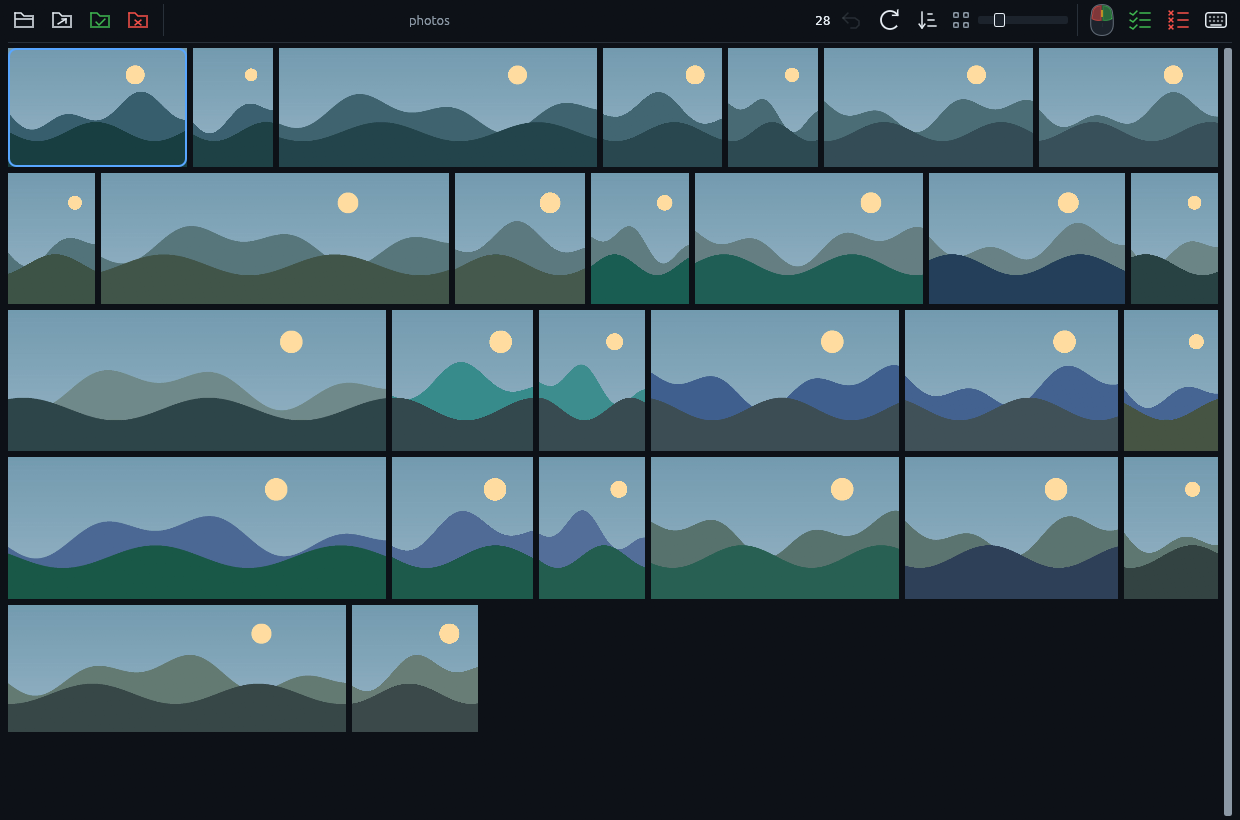
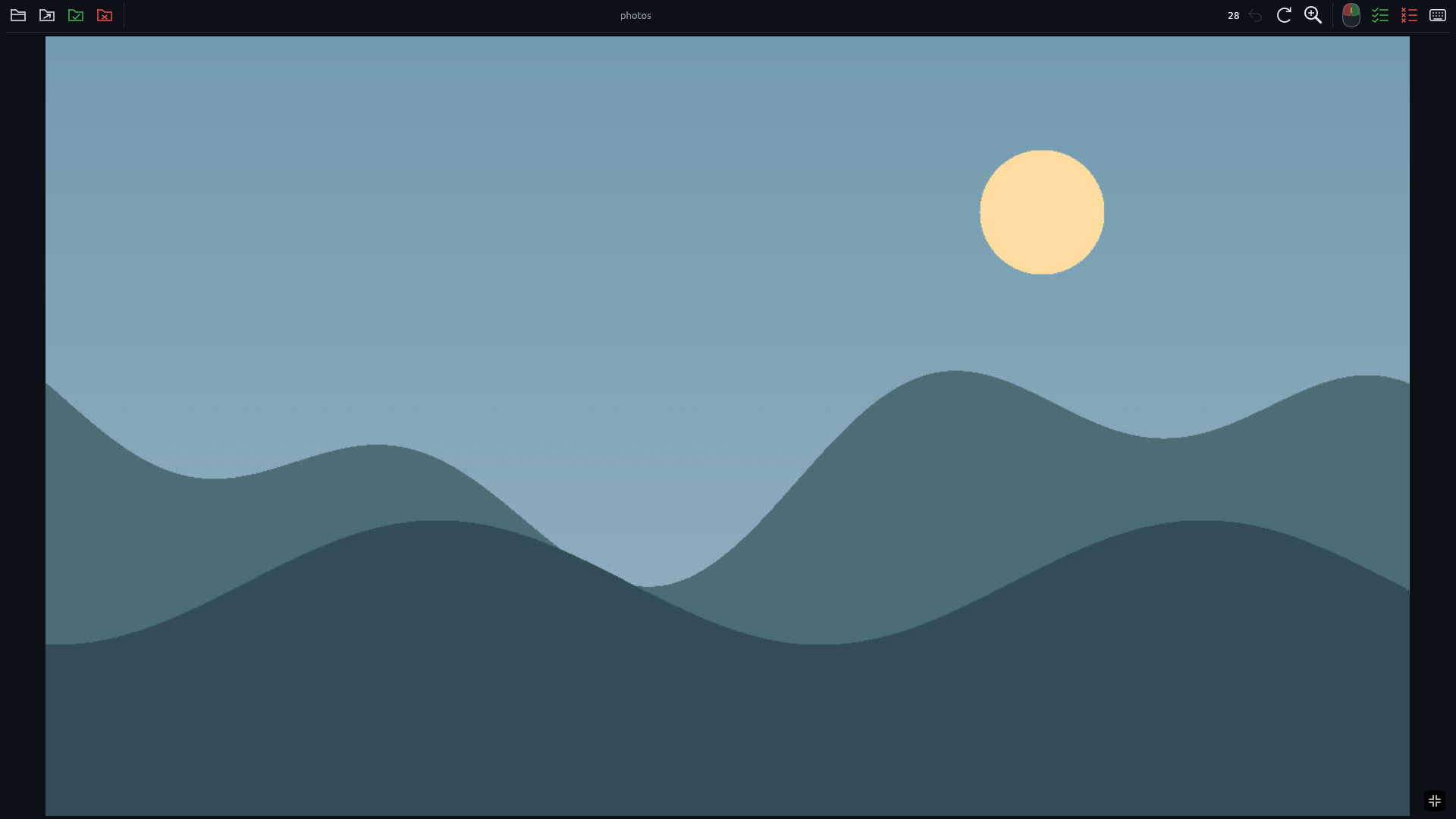
Scan a dense, justified gallery or inspect one shot at full size. Adjustable thumbnails stay sharp.
 Sortypix
Download
Sortypix
Download
SORT THOUSANDS OF PHOTOS. FAST.
Keep or reject each photo with one click or key. RAW + JPEG stay together. Every move can be undone.
Windows · Free · Open source · No account
01 — HOW IT WORKS
Sort the obvious shots from the grid, open any photo when you need every pixel, and keep going without losing your place.
02 — BUILT FOR VOLUME
Sortypix stays focused on one job: helping you make thousands of keep-or-reject decisions quickly and safely.
Scan a dense, justified gallery or inspect one shot at full size. Adjustable thumbnails stay sharp.
A RAW file and its matching JPEG move as one. Videos and subfolders are left alone.
Keepers move into keep/; rejects move into rejected/. The result stays visible in Explorer.
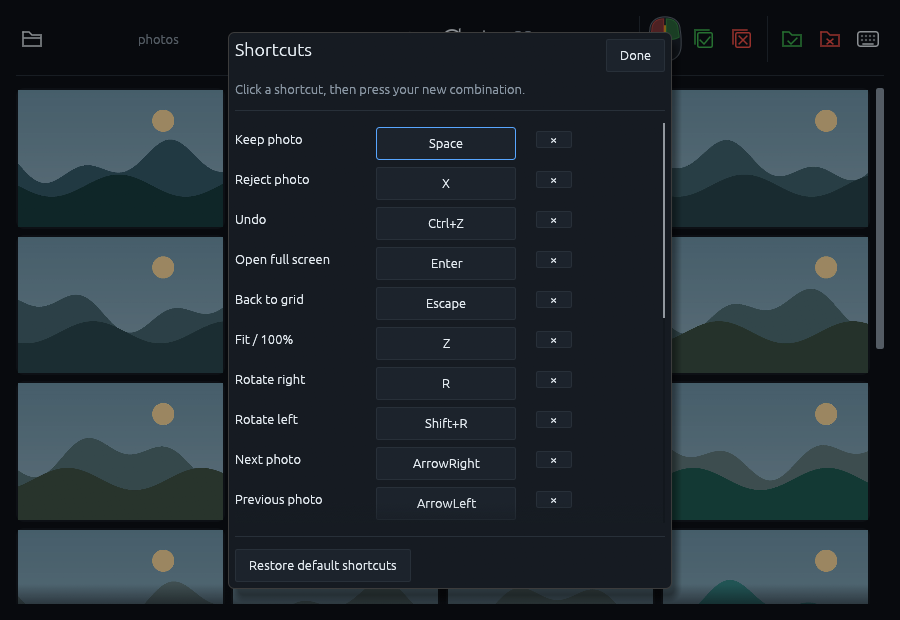
One photo or every remaining photo: Ctrl+Z reverses the complete action while Sortypix is open.
Byte-for-byte duplicates are moved aside automatically and deterministically, and the move can be undone.
No account, telemetry, upload or update check. Sortypix never accesses the network.
FREE · OPEN SOURCE · WINDOWS
One installer adds Sortypix and its “Open with Sortypix” action to the classic Explorer menu. The modern Windows 11 menu is enabled only when Windows trusts the publisher certificate; otherwise installation continues normally.
03 — QUESTIONS
No. Sortypix moves photos into keep/ and rejected/ folders beside the originals. It never sends a file to the Recycle Bin or overwrites one.
Every sorting move remains undoable while the application is open, even after changing folders. A batch action is reversed as one batch.
Common photo formats, camera RAW files and matching RAW + JPEG pairs. Sortypix is deliberately for photos only, never video.
No. Sortypix has no network access. Decoding, thumbnails, duplicate detection and sorting all stay on your computer.
Sortypix is an independent open-source project and the installer is not code-signed yet. Download it only from this page and compare its SHA-256 checksum if you want to verify the exact file. On another PC, Windows may skip the optional modern Windows 11 menu; the application and classic Explorer menu still install normally.